AU is the Australian look: deep navy backgrounds, blue accents (#6875d8, ice #d8e6f7) and Poppins throughout. AU pages reuse the Global section chains, and au26- combos (often with a 4-character hash, e.g. au26-ib-777b) switch them back to navy and blue.
Primary logo: Cobwebpay-Logo-White.png (white COBWEB, red PAY), used in Header AU and the footer. AU never uses the gold logo.
Logo sizing
Max width
200px desktop · 220px ≤991 · 200px ≤767 · 180px ≤479
Spacing
margin-right 48px (24px at ≤991)
Glow
Base .logo: box-shadow 0 2px 20px hsla(233,59%,63%,.5), the blue glow kept on AU
Hover
scale 1.02, removed on touch devices
Flag: No clear-space or minimum-size rule is defined anywhere on the site or in Figma notes. The sizes above are the header values only.
Flag: Asset cobweb-pay-logo-dark.png (6adb05de9f207dbb347f84d6) exists, but no page or component uses it, so its intended use is unknown.
Values are taken from the au26- classes, the shared button and heading classes, and the site variables.
AU core
Deep navy
#010918
hsla(219,93%,5%) · Body bg, .au26-section-1ca6, .au26-stepcard-3940 bg, .au26-clip-5103
Navy
#0e122a
--secondary--color-1 · .au26-navbg, region list, nav dropdown, popup gradient end
Accent
#6875d8
hsla(233,59%,63%) · lines at 14–38%, region pill border, .au26-aud-note
Ice
#d8e6f7
hsla(213,66%,91%) · kickers, icons, item links, step numbers, region chevron
White
#ffffff
Headings, button text
Body text
#afafaf
Neutral/400 · base body colour, .au26-ca-p
Caption
#8a93c9
.au26-ca-cap
Region pill
#1b2152
.au26-region-switch bg · hover #2a3270 · border #6875d8b3
Secondary button
#404469
.au26-ib-da15 fill · hsla(233,25%,33%)
Gradients
Primary button
linear-gradient(135deg,#3b4489 15%,#151b3f)
.btn-primary (shared) and .au26-ib-777b · hover #3d4894 → #252c59
Small / download pill
linear-gradient(135deg,#3b4489 15%,#212654)
.btn-primary.small
Heading gradient
linear-gradient(135deg,#ffffff 25%,#d8e6f7)
.heading-color-gradient (clipped to text)
Popup gradient
linear-gradient(142deg,#000000,#0e122a)
.pop-up-box.au26-pop-up-box-2243
Shared neutral and system variables
Neutral/800
#0b0b0b
Shared variable · gold button text
Neutral/700
#1e1e1e
Shared variable · card-6 base border
Neutral/600
#404040
Shared variable
Neutral/500
#828282
Shared variable
Neutral/400
#afafaf
Shared variable · base body text
Neutral/300
#dddddd
Shared variable
Neutral/200
#f5f5f5
Shared variable (whitesmoke)
Neutral/100
#ffffff
Shared variable
System Blue/400
#086cd9
Shared
System Green/400
#11845b
Shared
System Red/400
#dc2b2b
Shared
System Orange/400
#d5691b
Shared
The AU hero H1 (.display-1.heading-color-gradient.mg-bottom-0.hero) overrides the gradient to white → white, so it reads as solid white.
Poppins is used for everything, in white, with ice-blue gradients on display headings. Body text is Poppins 400 18px (16px at ≤767), line-height 1.667em, #afafaf. Sizes are listed as desktop / ≤991 / ≤767 / ≤479.
H1 hero · .display-1.heading-color-gradient.mg-bottom-0.hero
Digital assets. Everyday money.
84 / 72 / 56 / 46px · line-height 1.167em · 600 · tracking -2px
H1 product · .display-14
Your crypto, spent in AUD.
54 / 48 / 40 / 34px · line-height 1.222em · 400 · tracking -2px
H2 · .display-18.heading-color-gradient (also .display-13)
Cashback on every purchase
54 / 48 / 40 / 34px · line-height 1.222em · 400 · tracking -2px
H2 section · .gh26-h2
Your assets, in motion.
40 / 40 / 30 / 30px · line-height 1.15em · 500 · tracking -1px (-0.6px at ≤767)
H3 · .display-5.mg-bottom-0
Download
34 / 34 / 26 / 24px · line-height 1.294em · 400
H3 FAQ · .display-7 / .display-23
Where is CobWeb Pay available to download?
24 / 24 / 20 / 20px · line-height 1.417em · 400
22 / 22 / 20 / 20px · line-height 1.273em · 400
H5 card title · .gh26-item-title
Wallet
18px · line-height 1.3em · 500 (AU wv2 cards: 20px, Poppins via .au26-wv2-title-26e0)
16 / 16 / 14 / 14px · line-height 1.375em · 400
Label · .gh26-kicker.au26-kicker-8372
CARDS / AUSTRALIA
12px · line-height 1.4em · 500 · tracking 2px · uppercase · ice #d8e6f7
Section tag · .section-tag
💳 Meet the CobWeb Pay AUD Card
15 / 14 / 12 / 12px · 600 · white (currently hidden on AU home)
Small · .gh26-item-text
Hold supported assets, receive deposits and send transfers, with every balance and transaction visible in the app.
14px · line-height 1.6em · rgba(255,255,255,.65)
Caption · .au26-ca-cap
Figure 1 — Account cancellation page, step 1 “Login account”.
13px · line-height 1.5 · #8a93c9
AU has no H4–H6 classes in use, so those levels use the shared tag styles (Poppins 400, white). Close-account pages use their own .au26-ca-h1 (48/40/40/32px, 700) and .au26-ca-h2 (32/28/28/24px, 700).
Breakpoints
Desktop
≥ 992px
Base styles. Designed and checked at 1440px.
Tablet
≤ 991px
Webflow "medium". Checked at 991px.
Mobile landscape
≤ 767px
Webflow "small".
Mobile portrait
≤ 479px
Webflow "tiny". Checked at 390px.
Containers and sections
.container-default / .gh26-container
max-width 1316px · side padding 24px · 20px at ≤767 · 16px at ≤479
.au26-ca-container
max-width 1016px · padding 24px (20px at ≤479). Help and close-account pages
.gh26-section
padding 96px · 72px at ≤991 · 48px at ≤767 · 1px top border. AU: .au26-section-1ca6 bg #010918; .au26-wv2-sec-6c97 line hsla(233,59%,63%,.14)
.gh26-heading
max-width 640px · margin-bottom 32px
.gh26-grid-3
3 columns → 2 at ≤991 → 1 at ≤767 · gaps 24/28px
.au26-navbg
Navy band behind Header AU on header-only pages: 91 / 96 / 107 / 93px high
Spacing values in use
6px
Region list padding (hg26-region-list)
8px
Dropdown list padding · region chevron margin
14px
Dropdown item padding · gh26-item-title top margin
24px
Container side padding (desktop) · grid column gap
32px
gh26-heading bottom margin · button side padding
48px
gh26-feature gap · section padding at ≤767
56px
gh26-premium-card padding
96px
gh26-section top/bottom padding (desktop)
These values come from the shared gh26-/hg26- classes that AU uses. There is no formal spacing scale or spacing variables.
Region list
13px = 6 + 6 + 1
Nav dropdown
17px = 8 + 8 + 1
Buttons, region pill
96px / 999px
Menu corners are concentric: outer radius = inner item radius + list padding + 1px border. Nav dropdown (.au26-hdr-dd-r17): 8 + 8 + 1 = 17px. Region list (.au26-hdr-region): 6 + 6 + 1 = 13px.
gl26-card-ring is a Global combo and is not used on AU pages. AU cards use .au26-stepcard-3940 (1px hsla(233,59%,63%,.38) border).
08
Cards, card art and detail rows
Step / feature card
Wallet
Hold supported assets, receive deposits and send transfers, with every balance and transaction visible in the app.
Explore Wallet ↗
Live: .gh26-item.gl26-line.gl26-stepcard.au26-stepcard-3940 with the AU wv2 icon, title and link combos. Icons are inline Lucide SVGs (stroke #d8e6f7) on the real pages and are left empty here.
.au26-stepcard-3940
bg #010918 + 160deg accent glow · border hsla(233,59%,63%,.38) · shadow 0 0 40px accent at 7% · padding 30px · radius 24px
Icon
.au26-wv2-icon-0bcc · accent border at 55% · 155deg accent gradient fill
Link
.au26-item-link-2ab1 · ice #d8e6f7
Card art
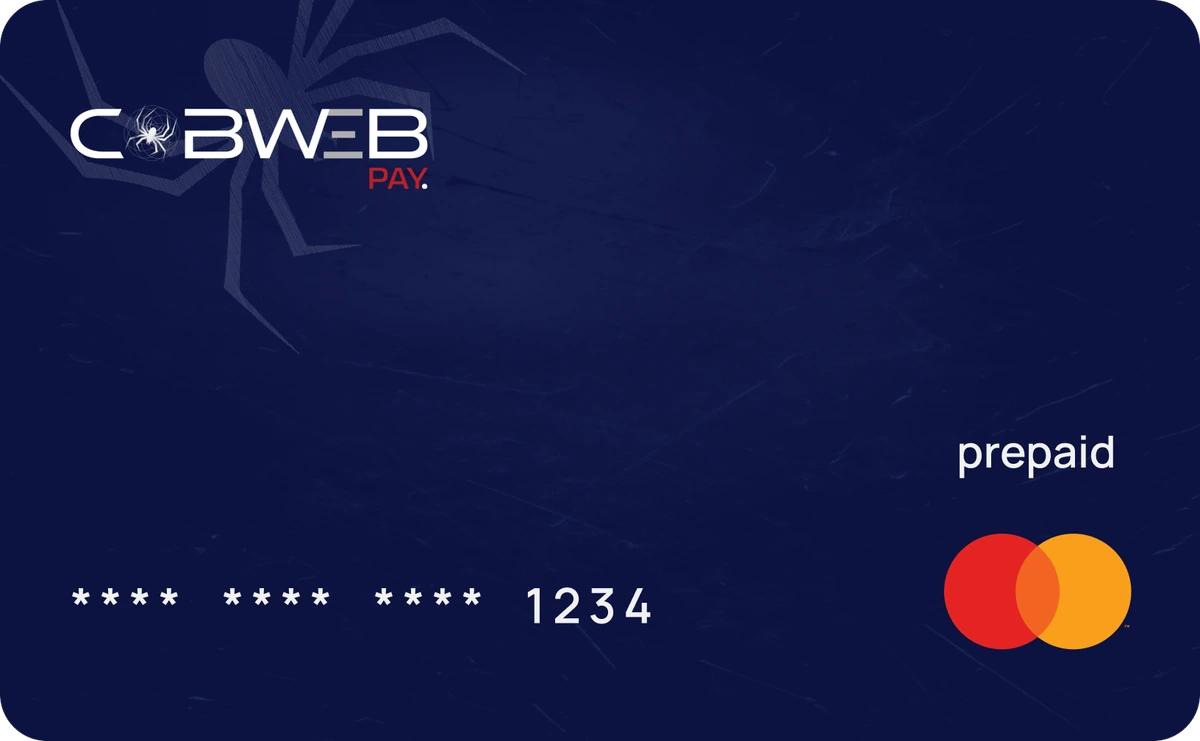
AUD card art. On the AUD Card page it is rotated -8deg with drop-shadow(0 24px 40px rgba(0,0,0,.45)), max-width 330px (.au26-aud-img).
Detail rows (.au26-aud-table)
.au26-aud-table
Poppins 14px / 1.6 · #d8e6f7 · top border rgba(104,117,216,.38)
.au26-aud-row
grid 1fr 2fr · gap 16px · bottom border rgba(104,117,216,.38)
.au26-aud-cell
padding 16/14px
.au26-aud-note
12px · #6875d8. Live placeholder: “Approved AUD commercial figures and product documents to be supplied.”
Flag: The AUD detail table has no approved figures yet (placeholder note on /au/aud-card), so no sample rows are shown here.
09
Dropdowns and the region pill
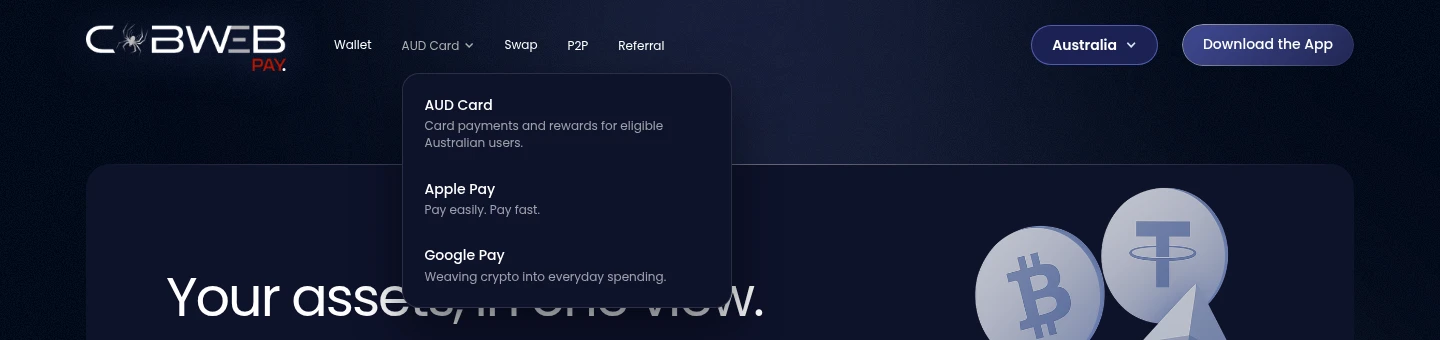
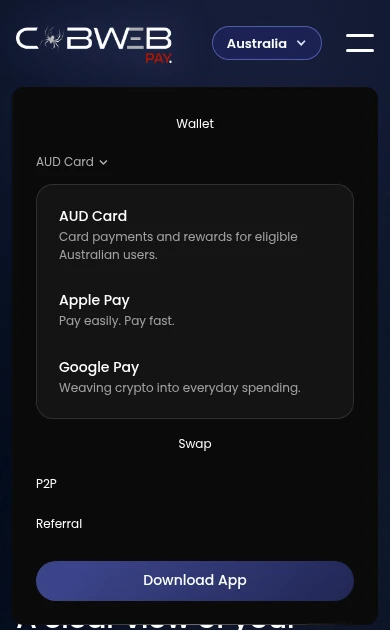
Live: AUD Card nav dropdown (17px corners), region pill and region list (13px corners), drawn statically.
Nav dropdown
.hg26-dropdown-list.au26-hdr-dd.au26-hdr-dd-r17 · 330px · padding 8px · radius 17px · bg #0e122a · border white 12% · shadow 0 20px 45px · ≤991: full width, bg white 4%, no shadow
Item
.hg26-dropdown-item · padding 14px · radius 8px · hover bg white 6% · title 14px/1.3 500 · description 12px/1.45 white 60%
Region pill
.au26-region-switch · 40px (34px at ≤767) · padding 0 20px (0 14px) · radius 999px · bg #1b2152 · border #6875d8b3 · white · hover #2a3270 with #6875d8 border
Chevron
.au26-region-chev · 12px · #d8e6f7 · margin-left 8px
Region list
.au26-hdr-region · radius 13px · bg #0e122a · shadow 0 16px 36px
Flag: The chevron is Webflow’s built-in dropdown icon (w-icon-dropdown-toggle), so it is not shown in the live sample. Its glyph source is not documented.

Header AU region dropdown open (1440px).
Dropdowns: cwpanim 1.1.0 (site footer script)
Applies to
Every .w-dropdown-list (nav dropdowns, region list, mobile-menu dropdowns)
Open
300ms ease-out · opacity 0→1 · translate(0,-8px)→0 · @starting-style
Close
150ms ease-out · reverse, with allow-discrete display
Skipped
Webflow Designer/Editor and prefers-reduced-motion: reduce
Footer order
gl26regionpopup 1.0.1 → cwpanim 1.1.0 → cwpix 1.0.0
Scroll reveal: cwpix 1.0.0 (Webflow "Fade In" interaction, retuned)
Stagger
100ms between siblings
Reduced motion
With prefers-reduced-motion: reduce, body gets data-wf-ix-vacation: reveals become opacity-only, the background blob loop stops, and cwpanim does nothing (dropdowns open instantly).
Touch devices
Hover scale is removed on touch (@media (hover:none)): button wrappers, .btn-secondary, .btn-circle-secondary, hamburger, social icons, .header-logo-link and .footer-logo-wrapper keep transform:none on :hover.
Region popup (GL26-05): 352px wide, radius 14px, opens in 400ms cubic-bezier(.22,1,.36,1) from translateY(-24px), closes in 200ms.
Flag: The touch rule (POL-03) lives in a page-head style block, not in classes. It was added before the "styles in classes" rule and is documented as is.
12
Imagery and app screens
App screens
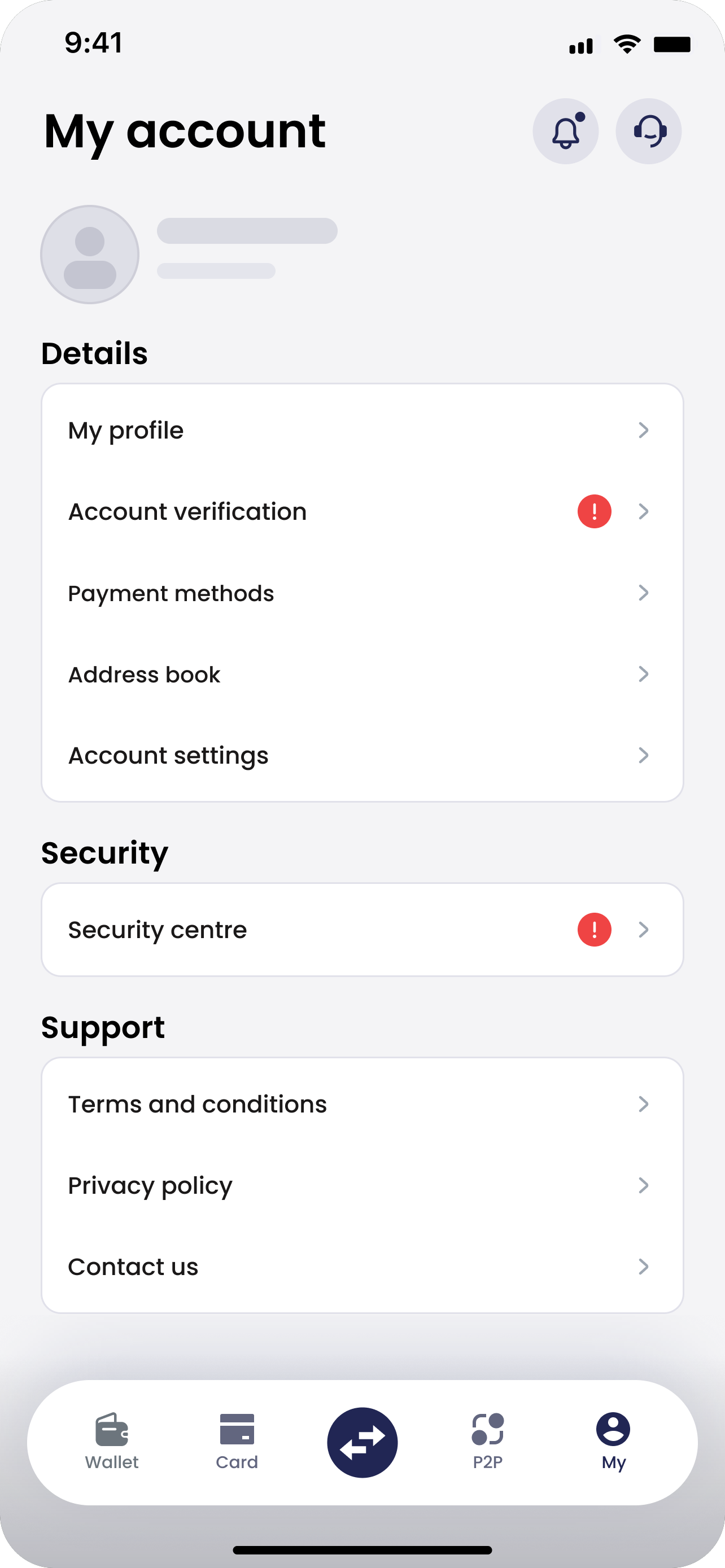
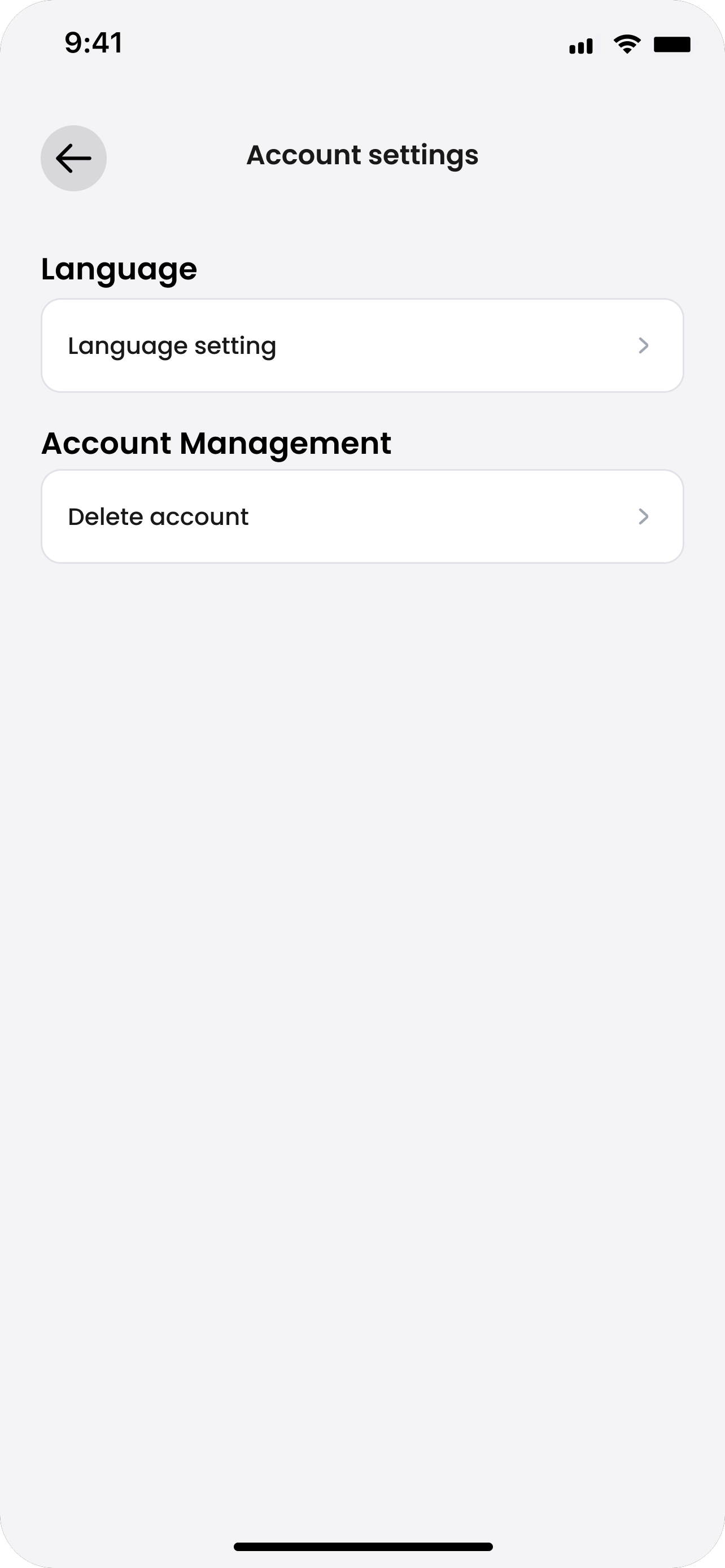
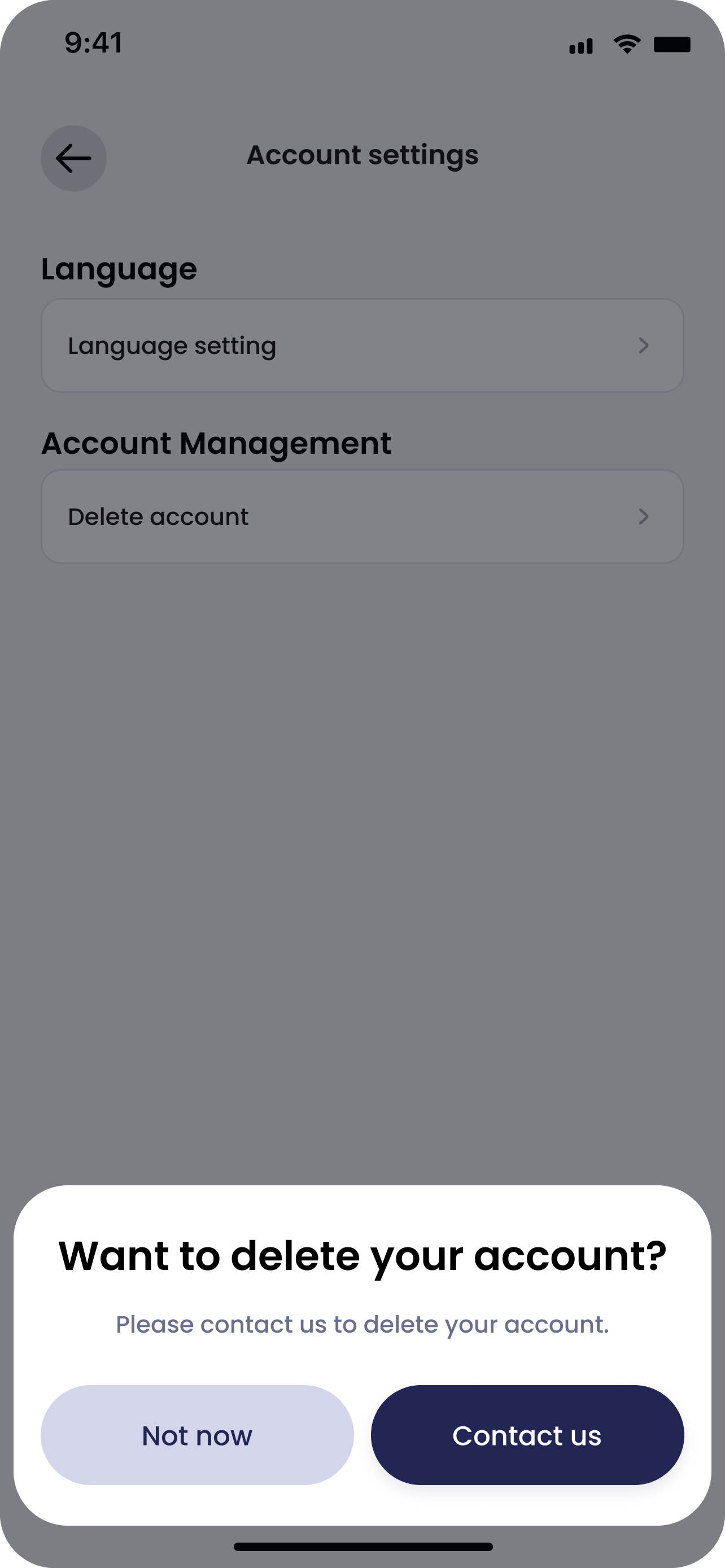
Show app screens side by side at the same height and aligned to the top. Use the full 1284×2778 export (9:19.5) and crop from the top (object-position 50% 0%), never letterbox.
Never show real customer data. Cover names, ID lines, photos and balances with neutral grey shapes (no blur), and rewrite chat text so it carries no personal details.
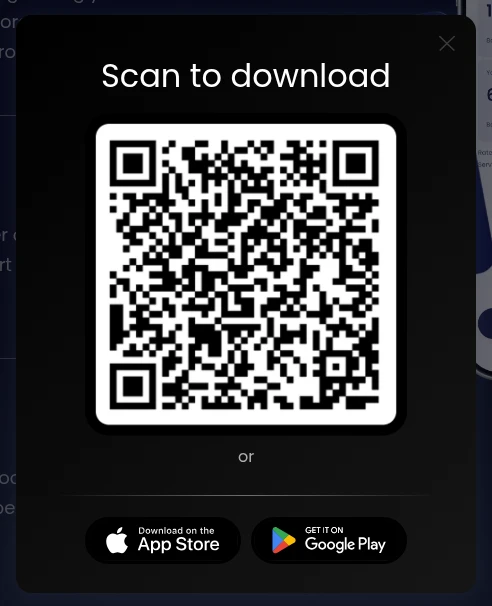
Live example: the four anonymised AU close-account screens (au26-ca-step-1-my-account-anon.png, step-2, step-3, au26-ca-step-4-customer-service-close-account.png), rendered here at the same height and aligned to the top.
Product and card art
Use the Figma exports as delivered and resize without cropping. Card thumbnails get a soft shadow and a faint 1px ring, never a second hard border. Do not use figma-legacy-card-4.png.
.au26-ca-shot-img
width 100% · max-width 240px (260px at ≤767) · aspect-ratio 1284/2778 · 1px accent border at 25%
.au26-ca-shots
grid 1fr 1fr · gap 24px · 1 column at ≤767
Alt text
Every content image has descriptive alt text. Decorative images (glows, card backgrounds) use alt="" with aria-hidden.
Links
Product links end with ↗ only when they open another page or a document. Legal, support, social and contact links are left as they are.
Motion
Respect prefers-reduced-motion (see Motion). Never rely on animation to convey meaning.
Touch targets
Region pill 40px high (34px at ≤767). Buttons: 16/32px padding (14/24 at ≤767); full width at ≤479.
Focus
Visible focus ring: 1px rgba(220,179,72,.4), offset 2px (region popup buttons).
Contrast
Body text #afafaf on #010918 / #0e122a. Accent #6875d8 is for lines and small notes, not long copy.
Flag: A :focus-visible style exists only on the region popup buttons (.gl26-rp-btn). Buttons, nav links, dropdown items and the region pill rely on the browser default focus outline. No colour-contrast audit is on record.
14
Do, don’t and class naming
Do
Reuse the Global chain and add an au26- combo on top (e.g. .btn-primary.gl26-gold.gl26-ib + .au26-ib-777b).
Use Poppins, white headings, ice #d8e6f7 accents and navy surfaces.
Use 1px accent lines (#6875d8 at 14–38%) and concentric menu radii (13/17px).
Keep legal, support, social and contact links as they are.
Keep app screens the same height, aligned to the top, with names anonymised.
Don’t
Edit base, shared, gl26- or lg-* classes or variables to get the AU look. Add an au26- combo instead.
Leave gold (.gl26-gold, gold lines, Playfair) showing on AU pages.
Put CSS in page or site head code (the only allowed head code is the robots meta on unlisted pages).
Invent AUD figures or copy. Keep the placeholder until approved figures arrive.
Add hover scale on touch devices.
Class naming
au26-name
AU-only classes, e.g. .au26-ca-container, .au26-aud-table, .au26-navbg
au26-name-xxxx
AU combo on a Global chain, with a 4-character hash, e.g. .gh26-item…au26-stepcard-3940, .btn-secondary…au26-ib-da15
gl26- / gh26- / hg26-
Global and shared 2026 classes that AU builds on. Never edited for AU.
au26-sg-
Classes used only on this style guide page
lg-
Legacy pages. Never edited.